
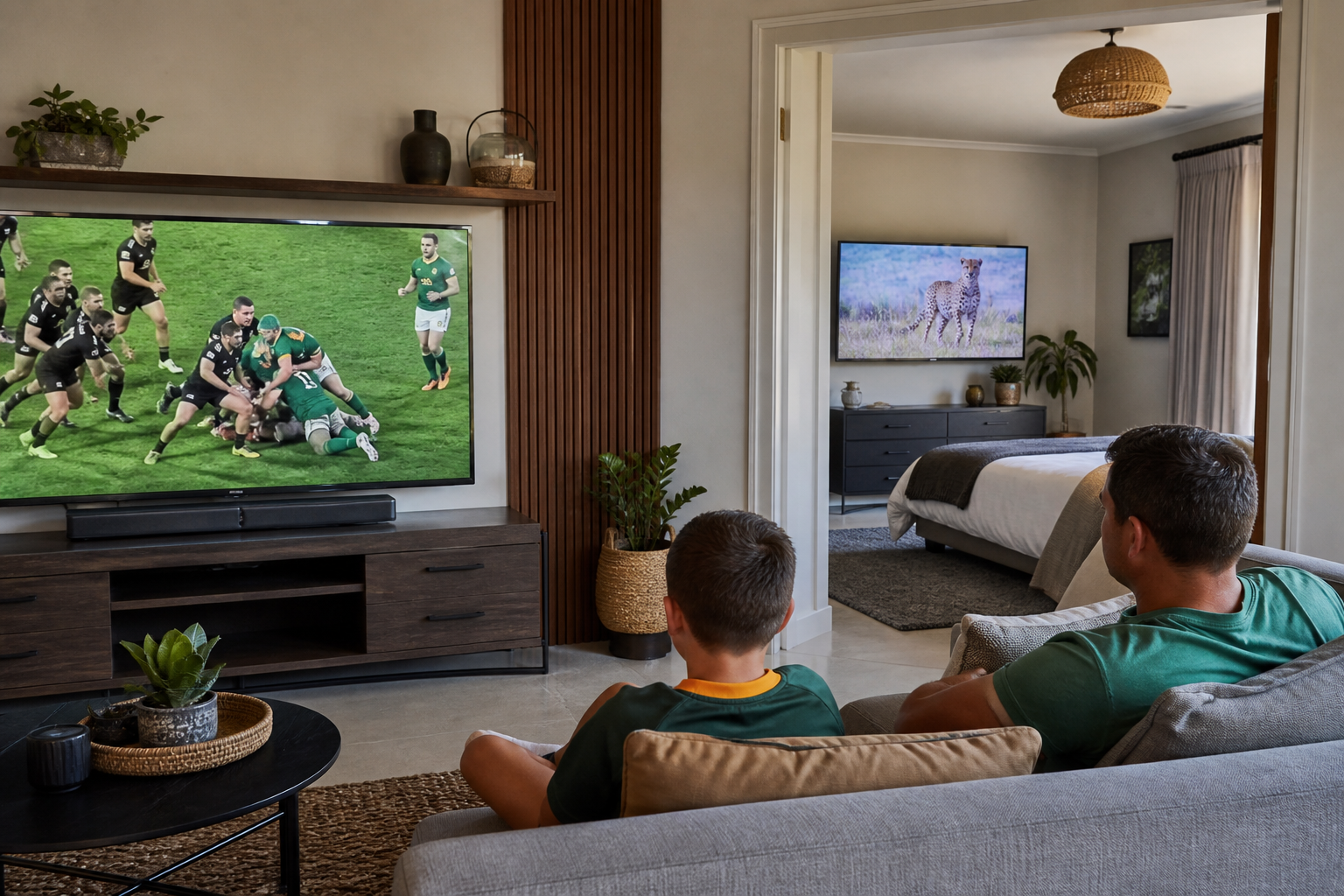
DStv Extra View (Xtraview) lets you connect a second decoder to your main DStv subscription so two TVs in the same house can watch different channels at the same time, without paying for two full subscriptions.
What’s Included in DStv Extra View Installation
Our DStv Extra View installation includes running an additional cable connection from your dish or multiswitch to the second decoder, correctly pairing both decoders under your MultiChoice account, and configuring Xtraview on the primary decoder so the link is recognised end to end.
Common Xtraview Problems We Fix
Get the pairing wrong and you’ll typically see the second decoder stuck loading, a “decoder not linked” error, or missing channels on the second TV. We diagnose and correct all of these as part of a new install or as a standalone repair.
Why Choose TV Signal for DStv Extra View Installation
TV Signal installs and configures Extra View / Xtraview on all current DStv decoder models (Explora, HD PVR, and standard decoders), including any cabling or dish/multiswitch changes needed, with full pairing and testing on both TVs before we finish the job.
Extra View vs a Second Full Subscription
Some households assume a second full DStv subscription is the only way to get independent viewing in two rooms, when Extra View on the same subscription is usually far cheaper for exactly that need. The trade-off is that both decoders share one account’s recordings and settings rather than being fully independent — worth knowing before you decide which option actually suits how your household watches TV.
We also carry the correct cabling and connectors on our vehicles for same-visit Extra View installs in most cases, so a second decoder rarely means a follow-up appointment. If your dish does need an LNB upgrade first, we’ll do both in the same visit rather than sending a technician out twice.
Both decoders are covered by the same workmanship guarantee as a standard installation, so if the link drops within the warranty period, we come back and fix it at no extra charge.
Related DStv Services
Not sure which service you need, or want a free quote? Contact TV Signal or call 079 754 5527.
Setting Up Extra View the Right Way
The most common mistake with DIY Extra View setups is pairing the decoders correctly on the cabling side but forgetting to link them under the same DStv account — which leaves the second TV showing a “searching for signal” or “not linked” message even though everything is wired correctly. We check both sides of the setup — physical cabling and account-level pairing — as standard, not as an afterthought.
It’s also worth knowing that not every existing dish supports Extra View out of the box. If your current LNB is single-output, we’ll flag the upgrade needed before starting, so there are no surprises on the day.
Frequently Asked Questions About DStv Extra View Installation
Do I need a new dish for Extra View?
Not always — it depends on your existing LNB. A single-LNB dish usually needs upgrading to twin or quad LNB to support a second decoder; we check this on-site before quoting.
How many decoders can I link with Xtraview?
Standard Xtraview supports linking multiple decoders under one account, though the exact limit depends on your DStv package. We’ll confirm what your subscription allows.
Why is my second decoder not linking?
This is usually a pairing or cabling issue rather than a subscription problem. We test the physical connection and the MultiChoice account link separately to find the actual cause.
Does Xtraview cost extra on my DStv subscription?
MultiChoice charges a monthly Xtraview access fee separate from installation — we can talk you through current pricing when we quote the installation.